
You are about to buy a used laptop. It is a good price, the seller has it powered on, and it boots right into their desktop — the wallpaper, the open apps, everything looking normal. It is tempting to read "it boots to a desktop" as "it works, buy it." Do not. A machine that starts into the seller's session is not proof that you can set it up and own it cleanly. The most expensive mistake in a used-laptop purchase is discovering, after paying, that the computer is locked to someone else's account. Here is what to check before money changes hands.
Why "it boots" does not prove you can use it
Seeing the seller's desktop tells you the hardware powers on. It does not tell you whether you will be able to sign in, activate, and set it up under your own account. Modern operating systems tie a machine to accounts and, in some cases, to organizations, and those ties can survive a casual reset. The checks that matter happen before you buy, with the seller present and consenting.
The account and device locks that decide the purchase
Different platforms lock a used machine in different ways, and each one should be resolved by the seller before you buy.
On a Mac: Activation Lock
Apple's Activation Lock ties a Mac to the owner's Apple ID. Until the seller signs out and turns it off, the device will ask for their Apple ID and password after a reset — which you do not have. A seller who cannot or will not remove Activation Lock is selling you a paperweight. Separately, a Mac that was corporate-managed (enrolled in an organization's management) can carry management profiles that are a distinct issue from a personal Apple ID. Ask whether it was ever company-managed. Apple's guidance on preparing a Mac before selling is the standard for what a clean handoff looks like.
On a PC: Windows and organization enrollment
After a reset, watch for an organization or work/school sign-in prompt. If the machine was enrolled in an enterprise or school management system, that enrollment can persist and restrict what you can do. A clean, legitimate reset that hands you a fresh setup screen under your own control is what you want to see. Also verify the machine actually meets Windows 11 compatibility if that is the system you intend to run, so you are not buying a machine that cannot support the OS you need.
The common thread: the lock and the proof of ownership are the seller's to resolve. If a lock is present and the seller cannot cleanly remove it, that is a reason to stop the purchase, not a puzzle for you to solve later.
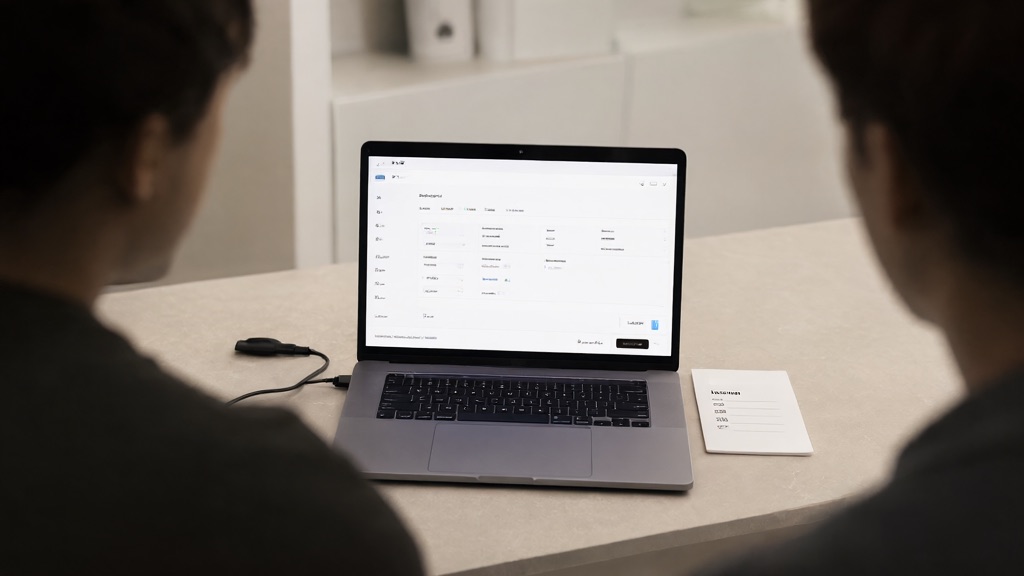
A compact checklist for the meeting
Run through this with the seller present. It is short enough to do in a parking lot:
- Exact model — name and year; matches what was listed.
- Lock state — Activation Lock off (Mac); no organization enrollment (PC); clean reset to a fresh setup.
- Proof of ownership — the seller can actually sign out and remove their account.
- Charger — included, and it actually charges (not just present).
- Display, keys, and ports — check the screen for dead areas; test a few keys and a port each.
- Battery condition — how it holds a charge; treat this as one observation, not a verdict.
- Model-specific parts — whether screens, batteries, or boards for this model are still obtainable if something later fails.
- Return window — the actual terms, in writing, before you pay.
No single screen proves ownership, and no single check proves the machine is perfect. Together they tell you whether the handoff is clean and whether the price is real. We deliberately avoid ranking models or quoting market prices, because those move constantly and a number without current evidence is just noise.
Frequently asked questions
Is seeing the desktop enough?
No. It proves the hardware powers on. It does not prove you can remove the seller's account, activation lock, or organization enrollment and set it up under your own control.
Can the shop remove someone else's lock?
No, and you should not want us to. Removing another person's activation lock or enrollment is circumvention, not a service. A legitimate seller removes their own lock before the sale.
What if the PC shows an organization sign-in after reset?
That is the machine still tied to an enterprise or school management system. Ask the seller to remove it and verify a clean, fresh setup before you buy.
What should I check about the battery?
How it holds a charge and roughly how long it lasts on a session. Treat battery health as one data point among many, not the deciding factor on its own.
Get a second pair of eyes before you pay
If the listing is a good deal but the handoff is unclear, a quick professional look before you commit can save you the price of the machine. Contact us to schedule an appointment, or call 716-771-2536. See our Computer Purchase Consulting and New Computer Setup services. We service Mac and PC, and we will be straight with you about whether a used machine is a safe buy.